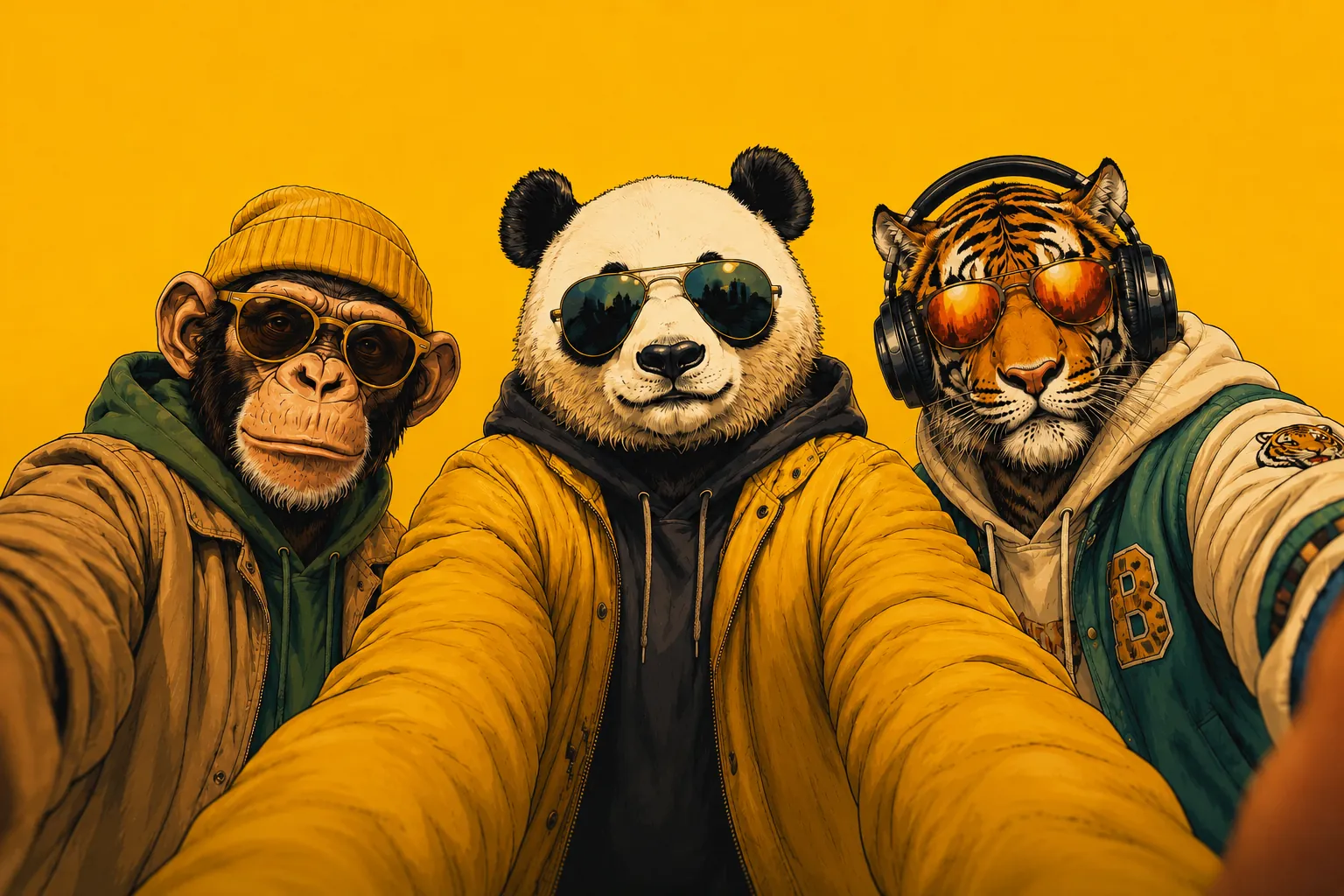
EVERY MOMENT.
SHARE your POV.
How it works
1. Create
Name your event and add your email get a QR code + link in under 2 minutes.
2. Share
Print the QR on tables or the invite. Guests scan their camera opens.
3. Relive
Every photo & video lands in one gallery. Optionally hidden until a reveal moment.
Features
📷 No app for guests works right in the phone browser
🎞️ Reveal moment hide photos until the party's over
📡 Survives bad networks uploads queue & retry offline
🖨 Print-ready A6 QR cards, generated for you
🧑🤝🧑 Pinterest-style boards, one per guest
📦 Download every photo & video as one ZIP
Pricing
Free during beta up to 10 guests per event. Commercial apps charge per guest we'd rather you spend that on the cake.
Create your eventQuestions
How do guests share photos at a wedding with a QR code?
Print the SharePOV QR code on table cards or your invite. Guests scan it with their phone camera, enter their name once, and upload photos and videos straight from the browser. Everything lands in one shared gallery.
Do guests need to download an app or create an account?
No. SharePOV works in any phone browser — no app, no sign-up, no login for guests. It is built for every age group, from grandparents to cousins.
Does it work on slow mobile networks?
Yes. Uploads queue on the phone and retry automatically, so photos are not lost on patchy 4G at a crowded venue.
Can I hide the photos until after the event?
Yes. Turn on a reveal moment and guests only see their own shots until you unlock the full gallery, like a disposable camera.
How much does SharePOV cost?
It is free during beta for up to 10 guests per event. For bigger weddings, sangeets, birthdays or corporate events, request access when you create your event.
How long can guests upload and view photos?
15 days by default, and the host can change it. The host can download every photo and video as one ZIP at any time.
Are our event photos private?
Yes. A gallery is only reachable through your event's own link, and event pages are kept out of search engines.